
Scotts Bluff County Court Calendars Explained
The Multi-Court Case Calendar is the free statewide calendar. It covers public settings in County Court and District Court. Scotts Bluff County is covered. No posted District Court exclusion keeps its cases off the list. One limit matters: the calendar shows current and future dates only. It will locate a hearing. But it is neither the full register of actions nor the official final notice, so verify anything important with the clerk before relying on it.
For the deeper case record, JUSTICE offers public case information. Access comes through its paid One-Time Search and its subscriber service. A calendar line hands you the date. The register gives you the filings, orders, continuances, and outcome history that explain what that date means. The county also posts docket documents in a public area now and then. That spot is not a continuously searchable calendar.
Scotts Bluff County Calendar Search Controls
The Judicial Branch explains the public access route on its Nebraska Court Calendars information page. In the live calendar, first pick County Court or District Court, then choose the court. From there you can search by date or by last name. The date search works for current or future dates. A last-name search needs at least two surname characters. Hit Reset to clear the form and start over.
The calendar itself warns that empty results do not rule out a court date. A case may be newly filed or reset. It may sit in a different court. It may also be restricted from public display. The public interface posts no fixed column order for judge, courtroom, or setting type. So check those details with the clerk before relying on them. The calendar interface itself shows the full set of search options.
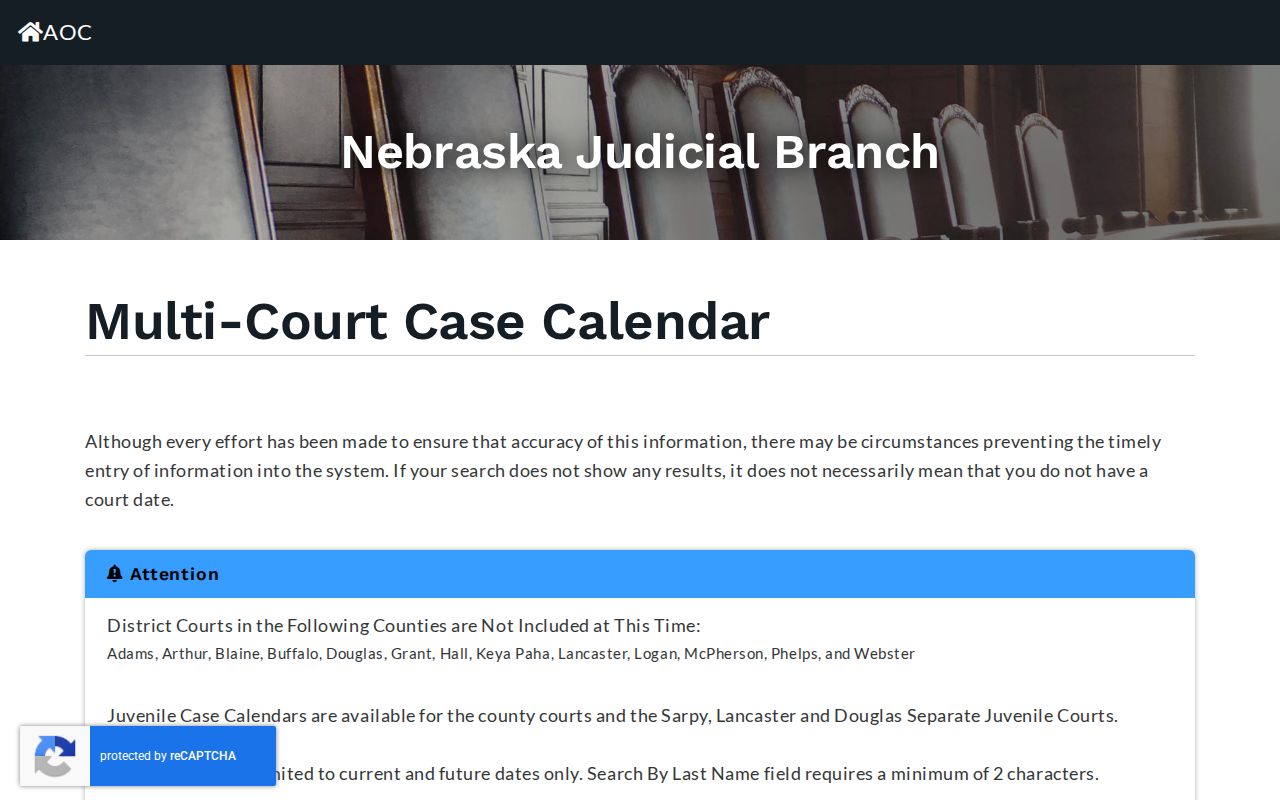
Those controls make the first step plain. Pick the correct court level before any Scotts Bluff County court-date search.
Scotts Bluff County Calendar Information
Beyond the live search tool, the Judicial Branch maintains a separate calendar-information page. It notes that court calendars connect to statewide case information and belong alongside the court's own notices and confirmation from the clerk. That framing helps when a Scotts Bluff County setting seems to be missing, since the calendar is a convenience tool rather than a substitute for the court record itself. The Nebraska Court Calendars page lays out these access details in full.
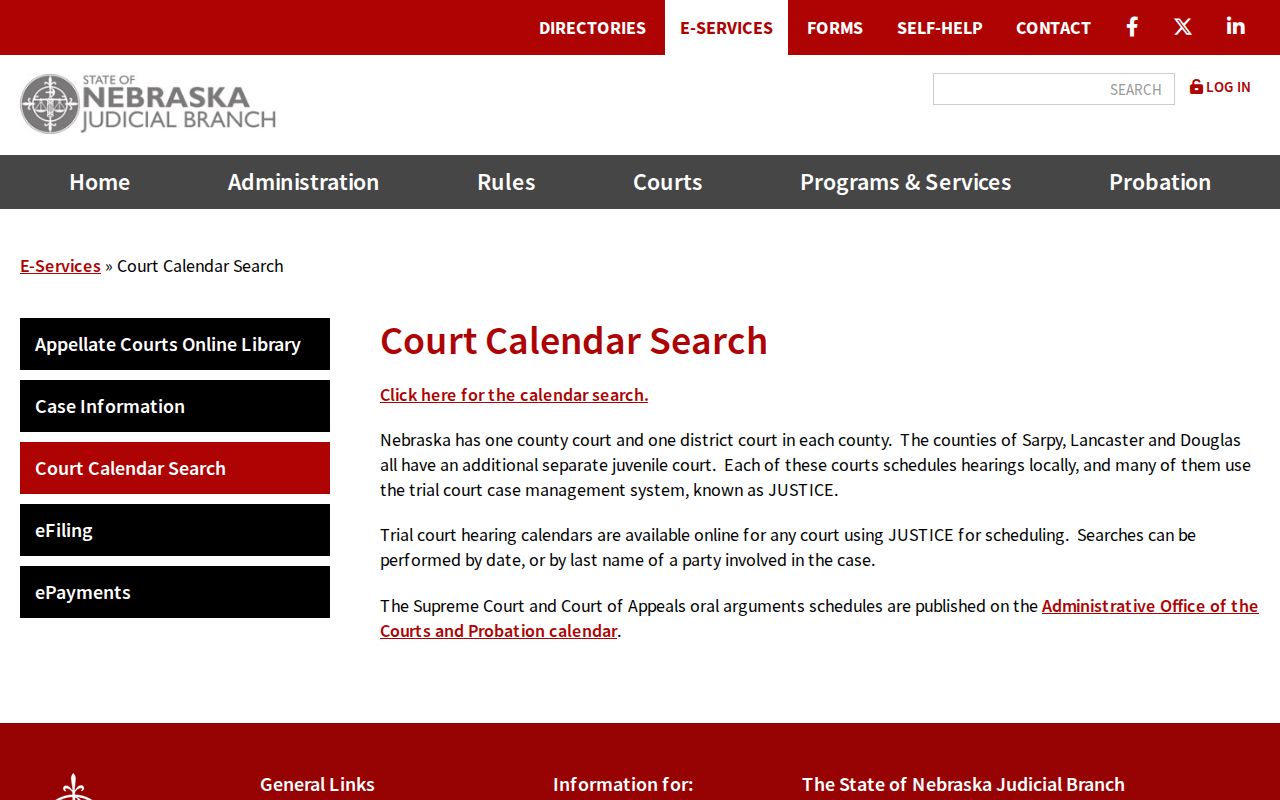
Use the live calendar for a current or future lookup. When a date truly matters, call the right clerk to confirm it.
Finding Your Court Date
Finding Your Court Date: When a court date truly matters, check more than one source. The JUSTICE system pairs the calendar with a full case register. A docket entry can be matched to its filing history that way. County Court and District Court clerks stay current. A phone call or a counter visit will confirm what the docket shows right now. A public-access terminal at the courthouse searches court records by party name or case number. That works well when an online docket search leaves questions open. Dates on a calendar can shift, so verify before you rely on one.
- Select County Court or District Court in the Multi-Court Case Calendar and choose the Scotts Bluff court.
- Search a current or future date, or enter at least two characters of the party’s last name.
- Compare the case number and caption with the known matter, then consult the JUSTICE register for recent settings or orders.
- Confirm the date with County Court at 308-436-6650 for County Court or traffic matters, or District Court at 308-436-6641 for district matters.
- When a setting or document is unavailable online, visit the clerk counter or courthouse terminal and request the right court’s record.
Need a filed notice or order? Request it under CC 3:29 through the clerk who holds the case. A formal written request under Nebraska Public Records Act section 84-712 goes, by court policy, to the State Court Administrator. Identify the court and the case. Include the record sought, your delivery method, and the cost estimate you want.
Scotts Bluff County Calendar and Register
A calendar answers one question: when is the next listed setting? The register of actions answers another: what has happened in the case over time. Rule 6-1523 calls the register the official chronological court record. Entries can include case identification, caption, subtype, filing dates, summons information, settings, orders, judgment, and other JUSTICE information. The trial docket and the judge's notes are separate components of the record.
When a calendar search turns up a case, note the record number and caption. Then read the latest docket entries through the JUSTICE case search or the correct clerk. A continuance may show up as a new setting or a new order, and an old calendar line may no longer be the operative event. That matters most when a case has moved from County Court preliminary proceedings to District Court.
How to Read a Court Setting
The public calendar shows case number, caption, date, time, and location. Compare those core fields against any notice or clerk confirmation. The anonymous public interface offers no column for courtroom, judge, attorney, or setting type. Those details may appear in a live context. But do not assume they are universal or current. Check the case or the clerk first.
| Case number | Links the calendar result to the register and the clerk’s case file. |
|---|---|
| Caption | Identifies the case parties or styled case name. |
| Date and time | The listed current or future setting, subject to change. |
| Location | The publicly described place field for the hearing or setting. |
| Judge, courtroom, or setting type | Verify in the live case information or with the clerk before relying on a display field. |
A setting might be an arraignment, hearing, conference, pretrial, trial, or something else. When the calendar gives limited information, confirm the meaning through the register or the notice.
Scotts Bluff County District Calendar Rhythm
District 12 assigns cases at random. The draws are by computer or by hand, under its local Rule 12-11. A reopened Scotts Bluff County matter goes back to the judge who had it before. Notice of any reassignment appears in the file jacket. It may also show on the docket sheet or the assignment card. Judges run progression themselves. Jury sessions usually start the first Monday of each month unless a court orders otherwise, and judges trade off months.
That rhythm never replaces a setting notice for your own case. A party who wants a nonjury or jury pretrial, trial, or progression setting asks by motion. Cases are tried in the order set. Read the local rule itself. It gives the assignment and jury-session background behind these District Court calendar entries.
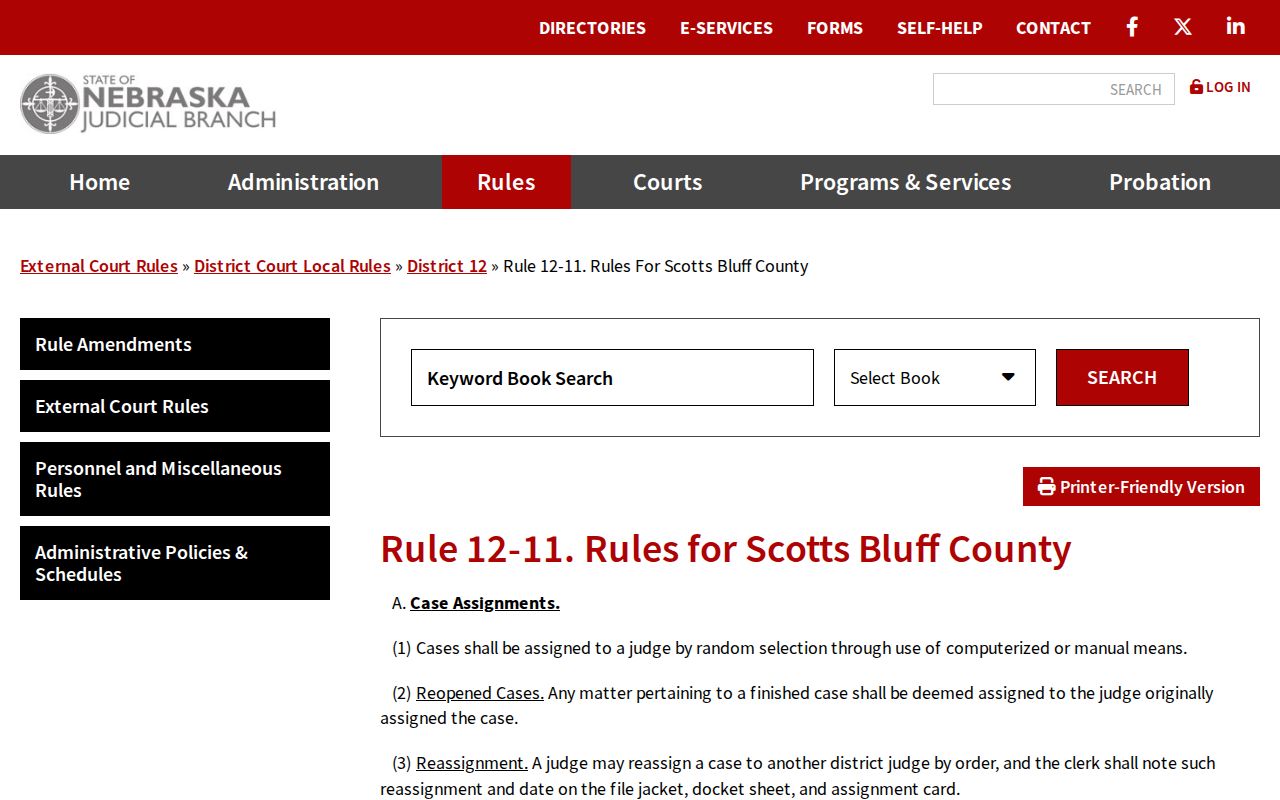
Still check the individual case record. The clerk and that record tell you the real date, judge, and location for a pending Scotts Bluff County matter.
Continuances, Resets, and Cancellations
A continuance or reset simply moves a court event. It can come from a motion, a court order, a scheduling conflict, or a progression decision. Trust the latest order and notice of setting together with the current calendar entry. Do not rely on a date you recall from an earlier appearance. A reset is not a dismissal. An old calendar result will not show the new setting.
Check the current calendar and JUSTICE register first. If the date moved, call the clerk holding the file. Call also if the calendar shows no result, or a time is murky. County Court answers at 308-436-6648. Its traffic and date line is 308-436-6650, and the District Court clerk is 308-436-6641. Staff can confirm record details but cannot give legal advice.
Scotts Bluff County Remote Hearing Caution
The local District Court page lists telephone audio conferencing and video presentation equipment. It publishes no standing remote-hearing procedure. A COVID-era administrative order is not a current rule for any particular setting. Equipment on a list does not grant remote appearance. An old order does not either. Nobody gets permission to appear remotely from any of these.
Ask the court or the Scotts Bluff County clerk about the procedure for the specific case. A motion, an order, a notice, or direct instruction from the court controls the question. It decides whether and how a party appears. The calendar sets events; it does not override those case-specific directions.
Scotts Bluff County Clerk Confirmation
County Court and District Court keep separate clerks, though both sit in the Gering courthouse. County Court handles its own traffic, misdemeanor, ordinance, probate, juvenile, small-claims, and county civil dates. District Court is the source for district civil, domestic-relations, post-bind-over felony, equity, and district-file dates. When you call, give the court, case number, and party name so the clerk can pull the right calendar or register.
The county directory lists County Court at 308-436-6648. Its traffic and date line is 308-436-6650. The District Court clerk is 308-436-6641, and the judge's office is 308-436-6660. Visit the clerk counter or public terminal if a calendar result looks empty, old, or uncertain. These channels confirm court records. They do not provide legal advice.
If You Miss a Court Setting
Act quickly after missing a Scotts Bluff County setting. Pull the case number, check the calendar and register, and call the right court clerk. A party with an attorney of record should make that call too. Do not wait on a stale online entry. A missed appearance in a criminal or traffic matter can bring immediate consequences.
Missed setting. A missed court date can lead to a failure-to-appear issue or another court response depending on the case. Contact County Court at 308-436-6650 or District Court at 308-436-6641 promptly to confirm the case status and any next step shown by the court.
Need a copy of a notice or order? Name the court and the document, then work with the clerk under CC 3:29. The courthouse terminal and clerk counter are public fallbacks when online case information lacks the record you need.