
Scotts Bluff County Traffic Court Records
In Scotts Bluff County, Nebraska County Court handles traffic infractions, misdemeanors, and city ordinance traffic cases. The Clerk Magistrate maintains the court's register and file. For traffic questions, call 308-436-6650; the main clerk line is 308-436-6648. The file can show the case tied to your citation, its settings, register entries, orders, and any payment or outcome information in the public system.
None of the area cities runs its own traffic portal. Scottsbluff, Gering, Mitchell, Terrytown, and Minatare all route ordinance cases into County Court under Nebraska law, even when a city officer writes the ticket. A city office can explain a local ordinance. It cannot replace the County Court docket as the record.
Scotts Bluff County Traffic Court Venue
The Scotts Bluff County Court page confirms the venue. County Court takes misdemeanor, traffic, infraction, and city ordinance matters. That distinction matters for a lookup. The officer who wrote the ticket is often not the office holding the case. The court named on the citation is where the file lives.
A criminal or traffic search inside JUSTICE can overlap. One system holds several County Court categories. The court information printed on the citation pinpoints the right local file to confirm. For an ordinance ticket, skip any hunt for a city docket. Begin with County Court. Use the citation, JUSTICE, the calendar, the clerk counter, or the courthouse public-access terminal. Need a document copy instead of a hearing date? Identify the case and use the CC 3:29 request route.
Looking Up a Traffic Ticket
The Nebraska Judicial Branch Internet Payment System offers two paths. Pay Ticket/Citation handles citations; Make a Case Payment handles cases. This is a payment and citation workflow, not a full docket search. The ticket path wants court-issued citation information, while the case path wants a case number. The portal publishes no universal citation-number format. So type the citation exactly as issued rather than guessing a pattern.
When you need the register or fuller case information, JUSTICE is the public court-record route. Its One-Time Search carries a fee, and the subscriber service covers recurring access. The calendar lists current and future settings. The clerk can confirm County Court details by phone or at the counter. Online tools falling short? The courthouse terminal searches public records by party name or case number.
- Read the citation to identify the court and retain its court-issued citation information.
- Use Pay Ticket/Citation only when the citation is eligible for that payment workflow.
- Use JUSTICE to locate public case information when a case or register search is needed.
- Search the Multi-Court Calendar for a current or future setting, then confirm the result with County Court.
- Call 308-436-6650 or visit the clerk and courthouse terminal if the citation is not posted, the number is unclear, or a record copy is needed.
Scotts Bluff County Citation Payment Fields
No fixed local citation format appears in the portal's public pages. The listed controls describe a payment and account workflow. Those fields are not a promise of a complete court register. Need a docket entry, filed order, or certified copy? Turn to JUSTICE, the right clerk, or CC 3:29.
| Field or control | Type | When used | Public note |
|---|---|---|---|
| Pay Ticket/Citation | Action | Citation payment workflow | Requires court-issued citation information later in the process. |
| Make a Case Payment | Action | Known court case | Requires case number and payment details. |
| Username and password | Account fields | ePayment account login | Free sign-up is listed. |
| Citation or case number | Text | Selected payment path | No universal citation-number format was published. |
| Payment method | Selector | Selected payment path | Visa, Mastercard, Discover, or eCheck are listed. |
The ePayment portal is the source shown in this assigned image.
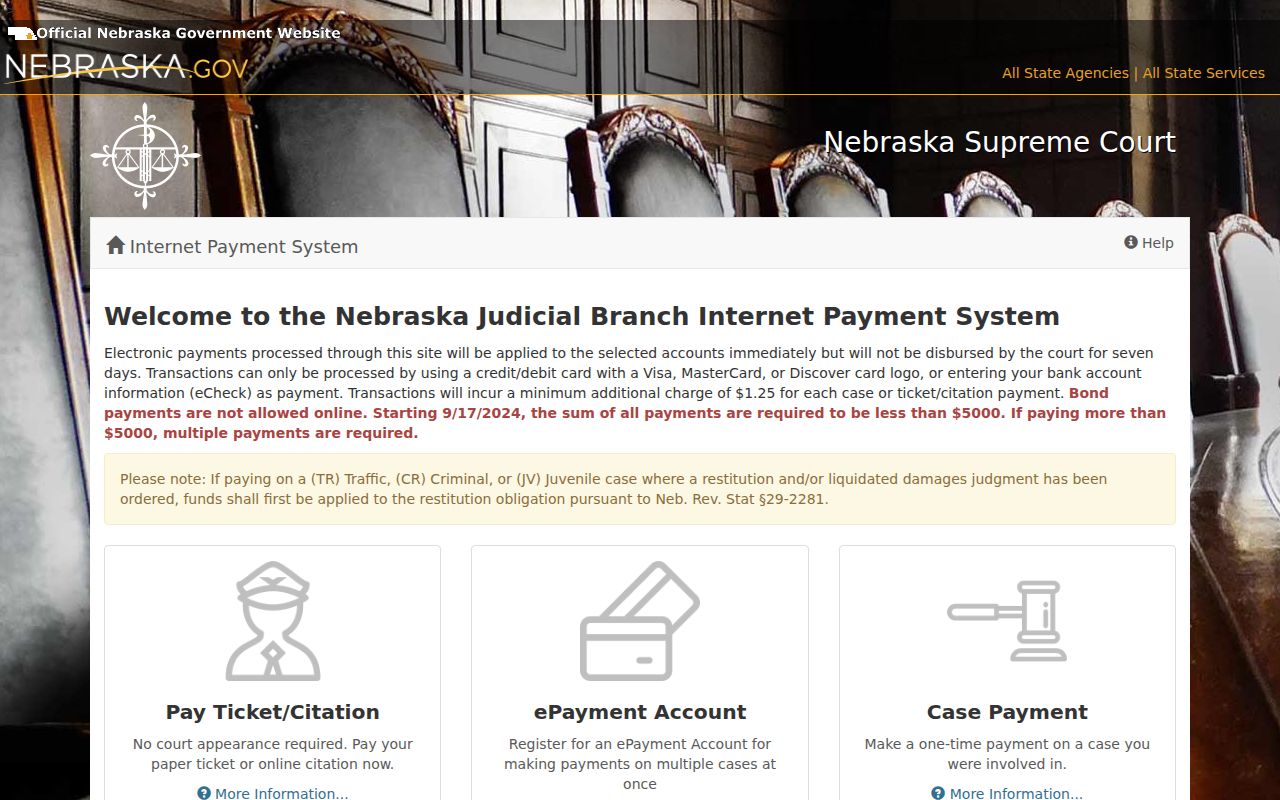
Use the payment interface only for the task it describes. For case history or copies, go through the court record channels.
How to Find Your Traffic Court Date
The date on a citation is a starting point. It is not the last word on a pending matter. The Multi-Court Case Calendar lets you pick County Court or District Court. Search by date or by at least two letters of a last name. An empty result does not prove there is no setting; the calendar itself warns of that. Treat the calendar as a check, never as final hearing notice.
| Citation information | court-issued citation information; a fixed Scotts Bluff format was not published. |
|---|---|
| Court | Scotts Bluff County Court is the docket venue for local traffic and ordinance cases. |
| Date and time | Use the citation, calendar, and clerk confirmation for the current setting. |
| Location | The public calendar describes a location field; confirm the live case-specific location with the court. |
| Status | Read the register and court response for the current case status rather than inferring it from an old payment screen. |
The surest route is a phone call to the County Court traffic line at 308-436-6650. The clerk counter and the courthouse public-access terminal also answer date questions when online tools do not.
Scotts Bluff County Traffic Calendar Confirmation
Calendar and register do different jobs. A calendar entry may list a case number, caption, date, time, and location. The register of actions is the chronological record. Where public, it can show later notices, continuances, orders, payment activity, and outcome entries. Use both when a citation has moved past its original date.
The county FAQ sends next-date questions to 308-436-6650 for County Court and traffic matters. The Judicial Branch calendar information likewise cautions that calendar data may not be the official final notice. For a new, moved, or time-sensitive setting, a phone confirmation is the practical move.
Scotts Bluff County Citation Posting Gaps
The ePayment page posts no full docket and no docket-entry export. No maintenance schedule appears there either. So a ticket that will not show up in the payment workflow has a few common causes. It could be a wrong citation number, a payment category the portal cannot handle, or a posting issue on the court side. None of that means the County Court case is absent. It just means the page cannot confirm it.
Work the gap from several angles. Run the citation through JUSTICE. Check the state calendar. Call the County Court traffic line at 308-436-6650. The clerk counter and the courthouse terminal are the local fallbacks. Turn to them whenever a court case or a hearing setting needs direct confirmation.
Pay or Contest a Ticket
Start with the citation itself. The court's printed instructions matter more than anything on a payment screen. The portal does handle eligible Pay Ticket/Citation workflows and case payments, yet plenty of tickets cannot be paid online at all. A refusal message may point to a mistyped number or a payment category the system rejects. Bond is off-limits here too. When a matter calls for an appearance or a fight, contact County Court or follow the citation's own directions instead of leaning on the payment page as if it were the court docket.
| Pay eligible citation | Contest or appearance route |
|---|---|
| Use the Pay Ticket/Citation workflow only when the court accepts that citation there. | Follow the citation and court instructions for the required court response or appearance. |
| Have the court-issued citation information and a permitted payment method. | Use the citation, calendar, JUSTICE, and clerk to confirm the current setting and case information. |
| Electronic payment applies to the selected account immediately; court disbursement follows after seven days. | Do not assume a portal payment option answers a case-specific court question. |
The Nebraska traffic information describes waiver, appearance, STOP, and payment guidance.
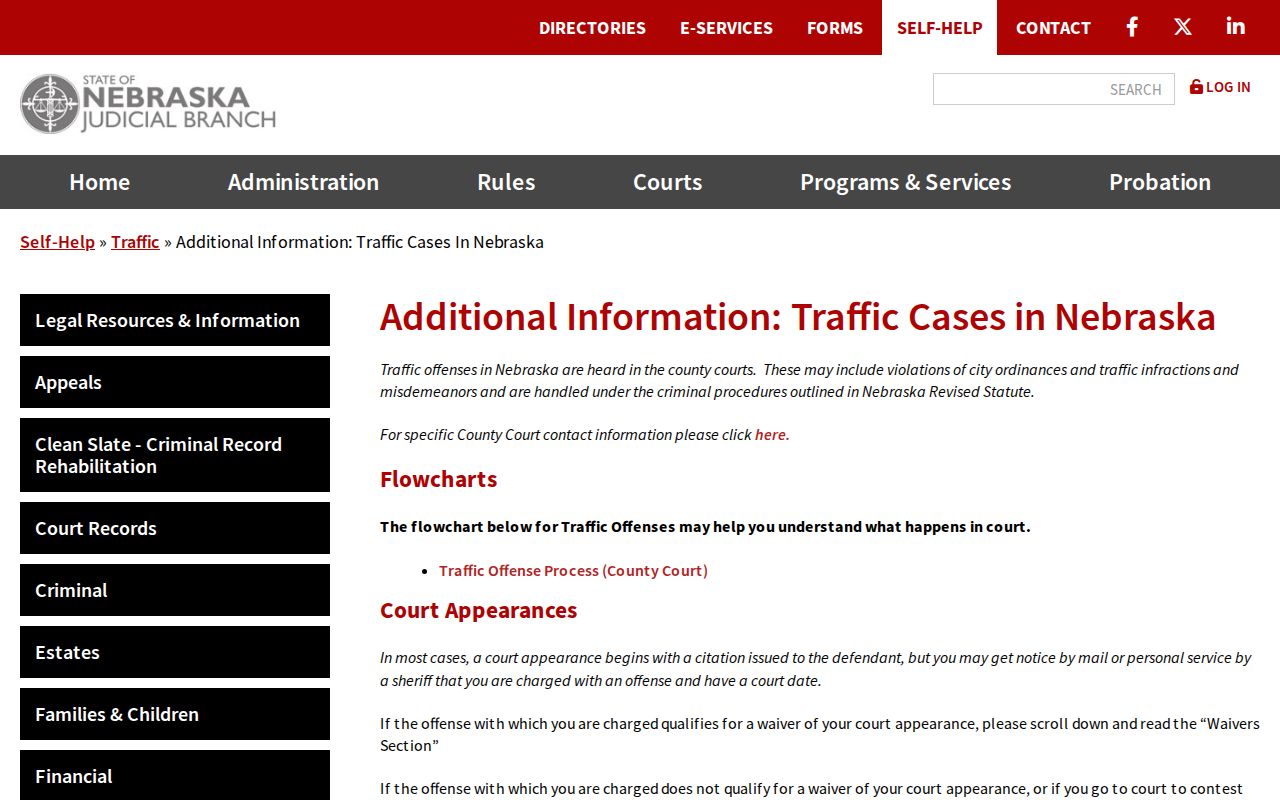
State guidance helps with procedure. It cannot override the citation. The deadline and instructions printed on the ticket itself are what bind you.
Do not ignore a setting. Nebraska section 29-426 treats failure to appear or comply with a citation as a misdemeanor with stated maximum penalties. Contact County Court promptly when a date, payment path, or response instruction is uncertain.
Scotts Bluff County Traffic Waiver Route
Some citations say waiver allowed. Statewide waiver-and-plea materials then describe a route. Return a signed citation or payment as directed. Pay online where that option exists, or appear when required. The form itself says to return it or the payment before the listed date. Otherwise, show up in person. Cash, certified check, and money order are its accepted payment types. Two cautions apply. The court can refuse a waiver, and many citations simply are not waivable. The official waiver-and-plea form instructions lay out these steps on the judicial branch's own page.
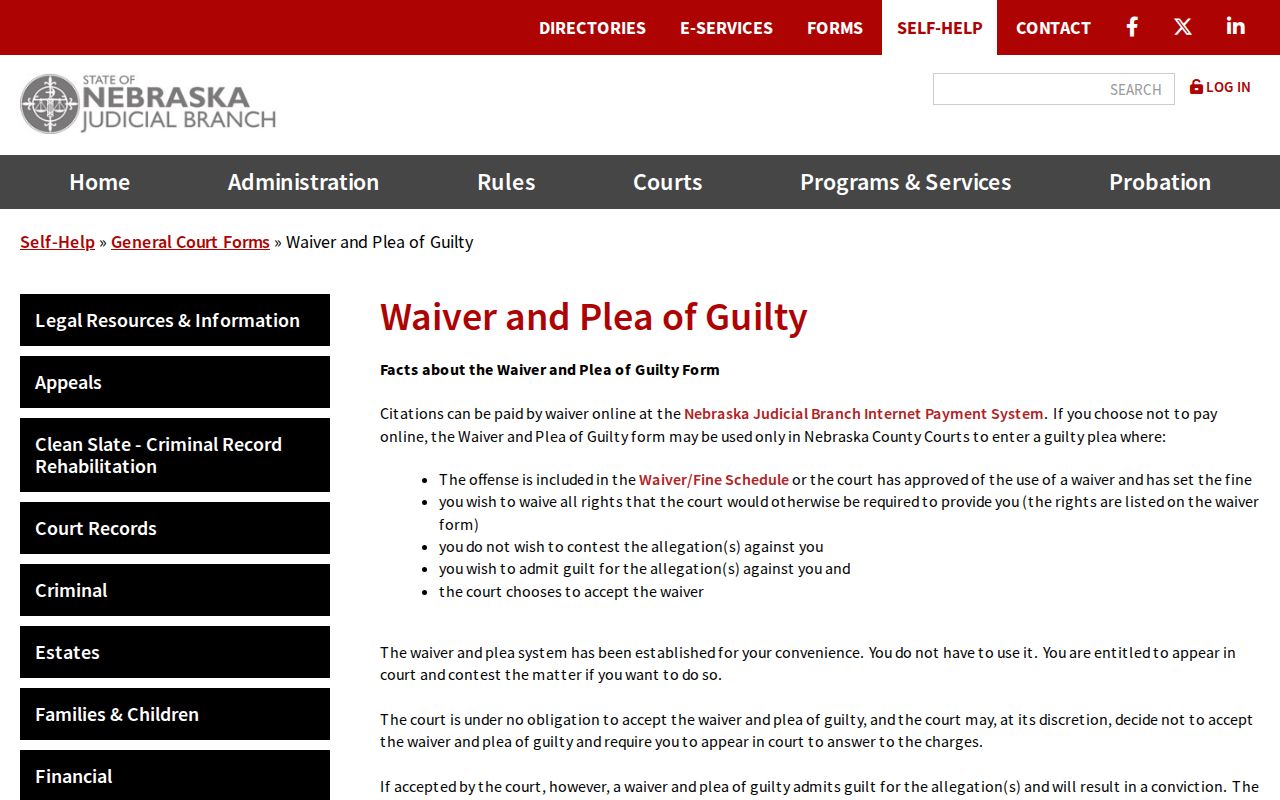
What controls here is the citation's appearance date. County Court's current instructions matter just as much. Together they decide whether the waiver route fits your case.
Traffic Court Record vs Driving Record
Two files, two keepers. The Scotts Bluff County Court case record lives with County Court, and it is the source for the citation's hearing setting, the register of actions, orders, and copy requests. The DMV keeps an entirely separate driver record. For anything about the court case or a certified court-file copy, take the County Court route. The DMV file is not the court docket and should never be read as one.
| File | Custodian | Use for this citation question |
|---|---|---|
| County Court case record | Scotts Bluff County Court Clerk Magistrate | Citation case, court date, register entries, court orders, and CC 3:29 copies. |
| DMV driver record | State DMV | A separate state-held record, not the County Court case file. |
Scotts Bluff County Traffic Record Access
Public access to a traffic court record runs through a clear chain. Online JUSTICE comes first. Then comes the state calendar for a setting, the County Court traffic line, the clerk counter, and the courthouse public-access terminal. Copies go through CC 3:29, and a formal routed public-records request covers the rest. The citation payment support page sends court-routing questions to County Court. It also offers Nebraska.gov technical support at 1-800-747-8177.
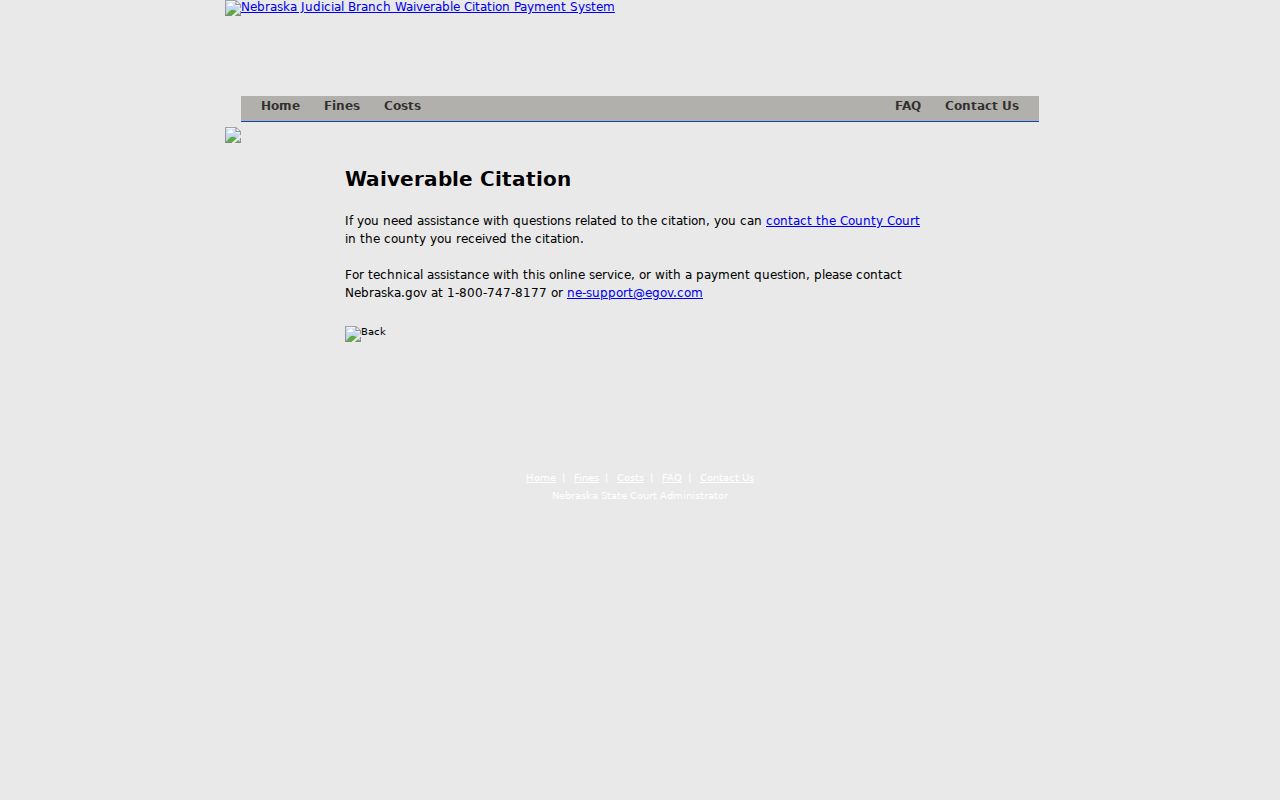
Split the help desk duties. Technical support handles portal trouble, while the County Court clerk handles the local court case, the current setting, and any authorized record request.
For a deeper search, JUSTICE One-Time Search costs $17, returns up to 30 records, and stays open for three days. Need recurring access instead? The subscriber service covers that. If a record image is missing or certification is required, file CC 3:29 with County Court and include the case number, case name, document, and date.
Copies and Fees
Two fee schedules are in play. The ePayment portal adds $1.25 per case or ticket and caps any payment total under $5,000. Court copies bill separately. The CC 3:29 form lists the copy choices for court records, so ask County Court for a current estimate, any required prepayment, and confirmation that the traffic document you want is public and available.
| Item | Listed fee | Note |
|---|---|---|
| ePayment service charge | $1.25 per case or ticket | Applies to the portal payment workflow, not to a docket search. |
| Emailed non-certified CC 3:29 copy | No charge | Provide the court, case, document, and delivery information. |
| Mailed non-certified copy | $0.25 per page | Prepayment and mailing details apply. |
| Emailed certified copy | $1 per request | Certification selection is required. |
| Mailed certified copy | $1 per seal plus $0.25 per page | Ask the clerk about additional costs. |
A formal request works differently. Under section 84-712 of the Nebraska Public Records Act, a written request should name the court record, give the case details, state a delivery choice, and ask for a cost estimate. Court policy routes that request to the State Court Administrator. It still cannot unlock a restricted court record.